Blindfold Is Live
Every Tuesday I ship something. This week it is Blindfold, an ad, tracker, and annoyance blocker for Safari on iPhone and iPad, and it ships under Serious Business Software LLC.
What it does
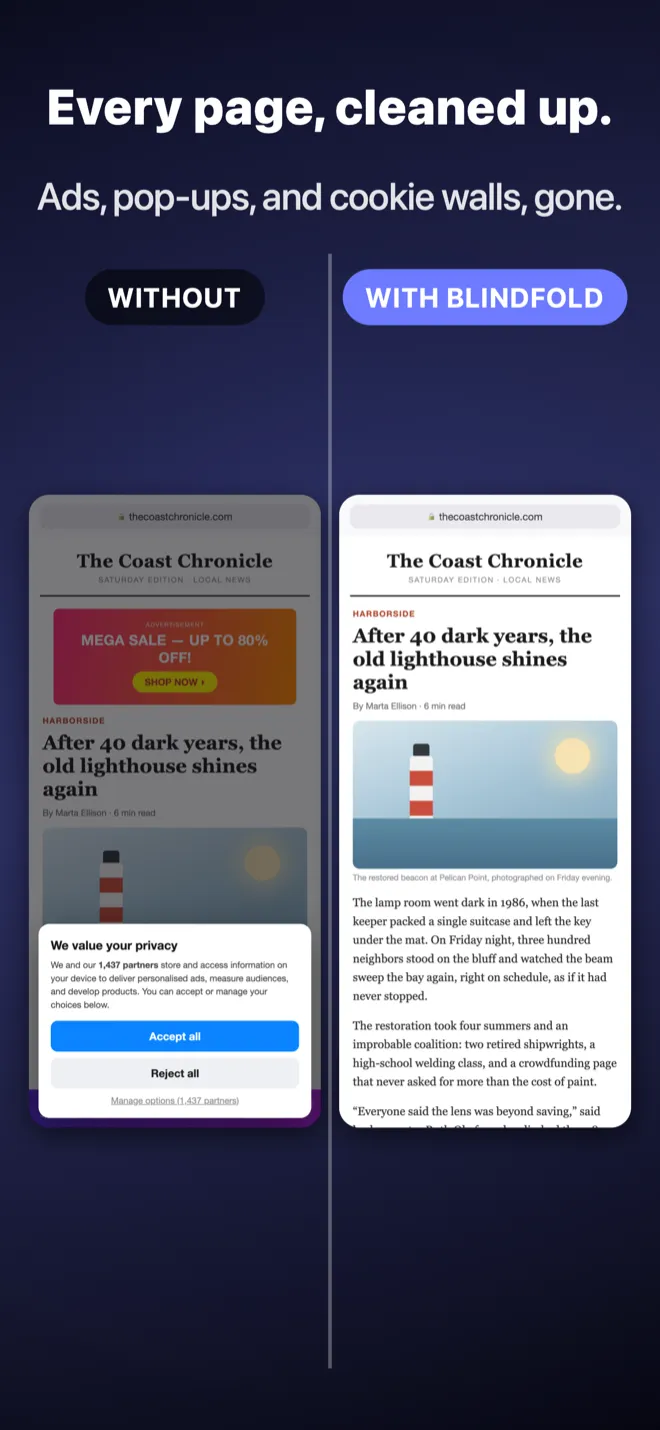
Blindfold makes Safari feel like the web was never broken. No ads, no trackers, no cookie walls, no newsletter pop-ups, no “please disable your ad blocker” guilt trips. Just pages, loading fast.
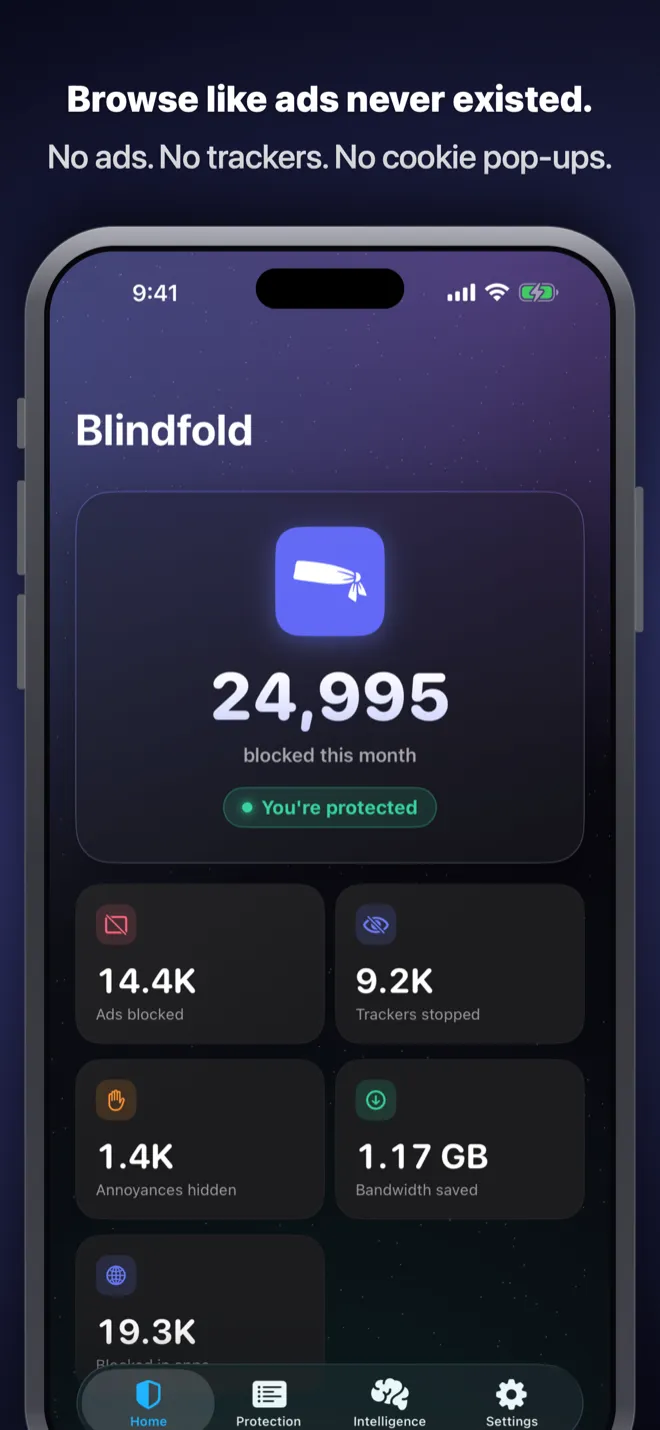
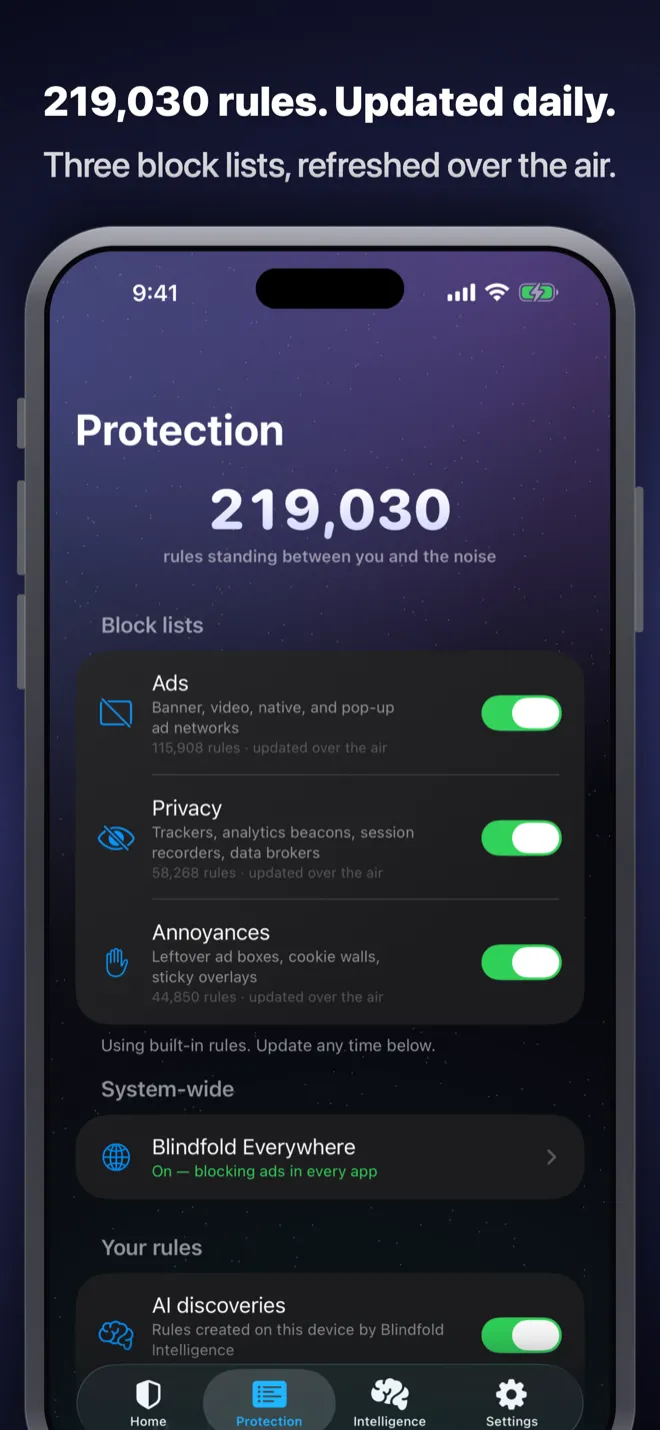
It ships with more than 200,000 blocking rules split across three lists you can toggle independently: ads, privacy trackers, and annoyances like cookie banners and sticky overlays. They are built from the industry-standard sources (EasyList, EasyPrivacy, Fanboy’s Annoyance) plus regional lists for Germany, France, Italy, Spain, Portugal, the Netherlands, Russia and Ukraine, China, India, Indonesia, and Korea. Most blockers only really cover English-language sites.
The rules refresh over the air, daily, from a public repository. No App Store update, no waiting for the next release.
Beyond Safari
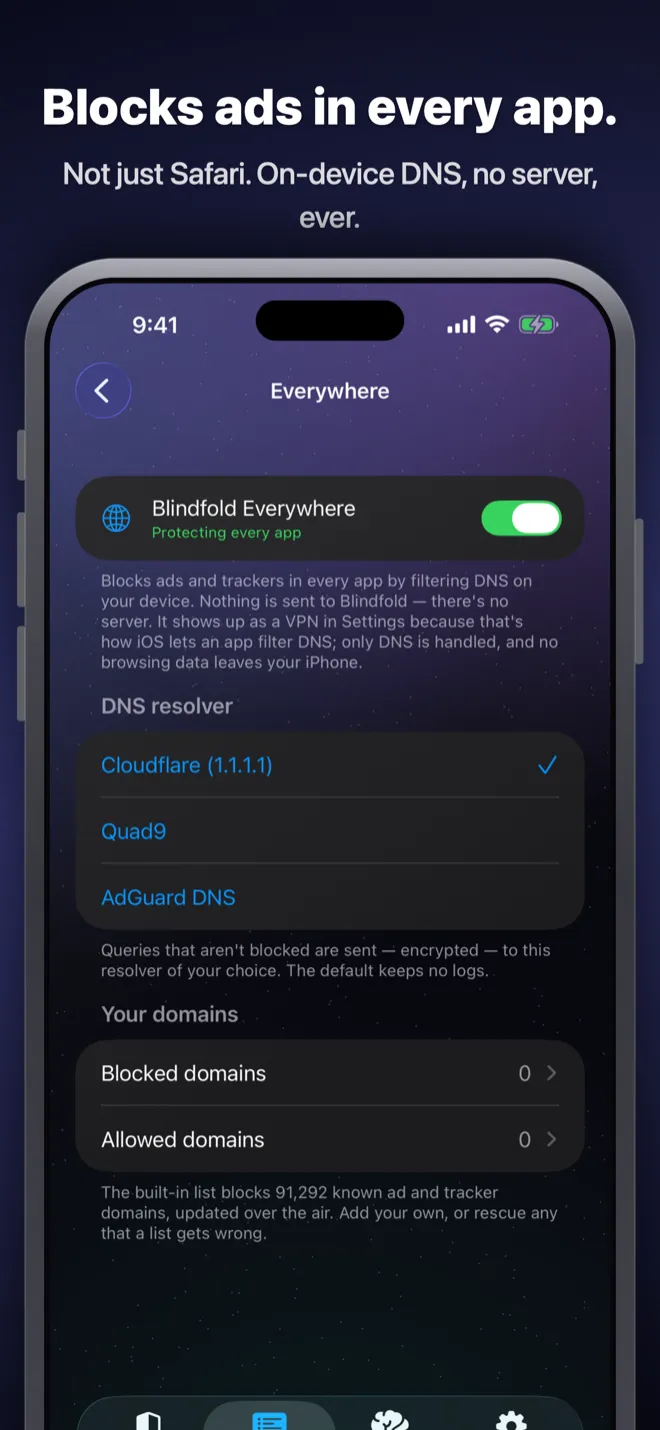
Safari content blockers only work in Safari, which leaves every other app on your phone untouched. Blindfold Everywhere fixes that. Turn it on and on-device DNS filtering blocks ads and trackers system-wide, in every app.
The important part is what it does not do: nothing routes through a Blindfold server. You pick the resolver yourself (Cloudflare, Quad9, or AdGuard DNS) and your device talks to it directly. I never see a byte of it, because there is nothing of mine in the path.
The annoyances
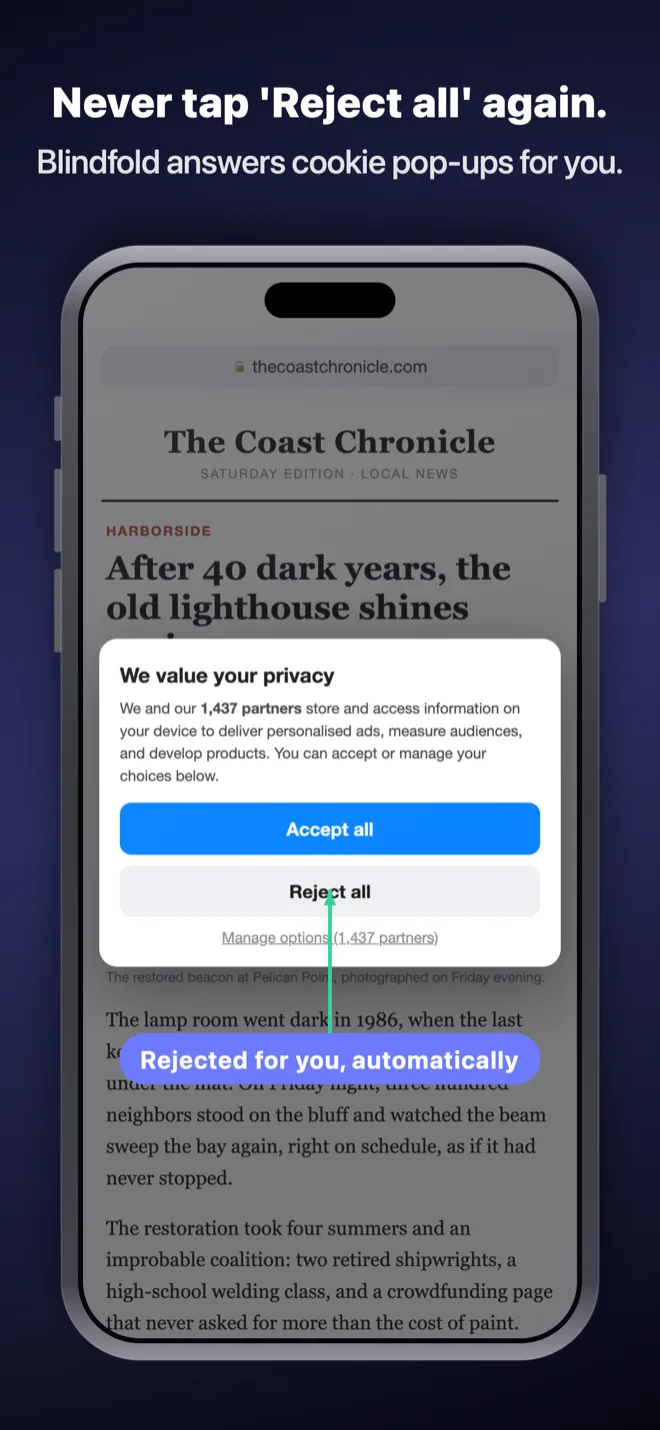
Cookie consent walls get rejected for you. Where Blindfold recognizes a site’s own consent framework it taps “reject” through that, so the rejection actually sticks instead of reappearing on the next page. Where it does not, it hides the wall and restores your scroll position, which is the part most blockers forget.
Newsletter prompts, “use our app” banners, and video pop-ups go too. Promoted posts in Reddit and YouTube feeds get hidden when you browse them in Safari. And when a site tries to detect your blocker and nag you to turn it off, Blindfold quietly answers the detection script so the page just loads.
If something still slips through, tap the Blindfold button in Safari, tap the element, and it is gone on that site forever. Your rule shows up in the app, visible and editable.
Nothing hidden
This is the part I care about most. Some popular blockers keep their rules on a server you cannot see or change, so what you are actually buying is trust in a black box. If you want to know what is being blocked, or turn one thing off, you cannot.
Blindfold shows you everything: every list, every rule count, where each rule came from, when it last updated. The rule source is a public repository anyone can inspect, and you can point Blindfold at your own instead. Every AI-written and custom rule is listed in the app and individually deletable.
On-device intelligence
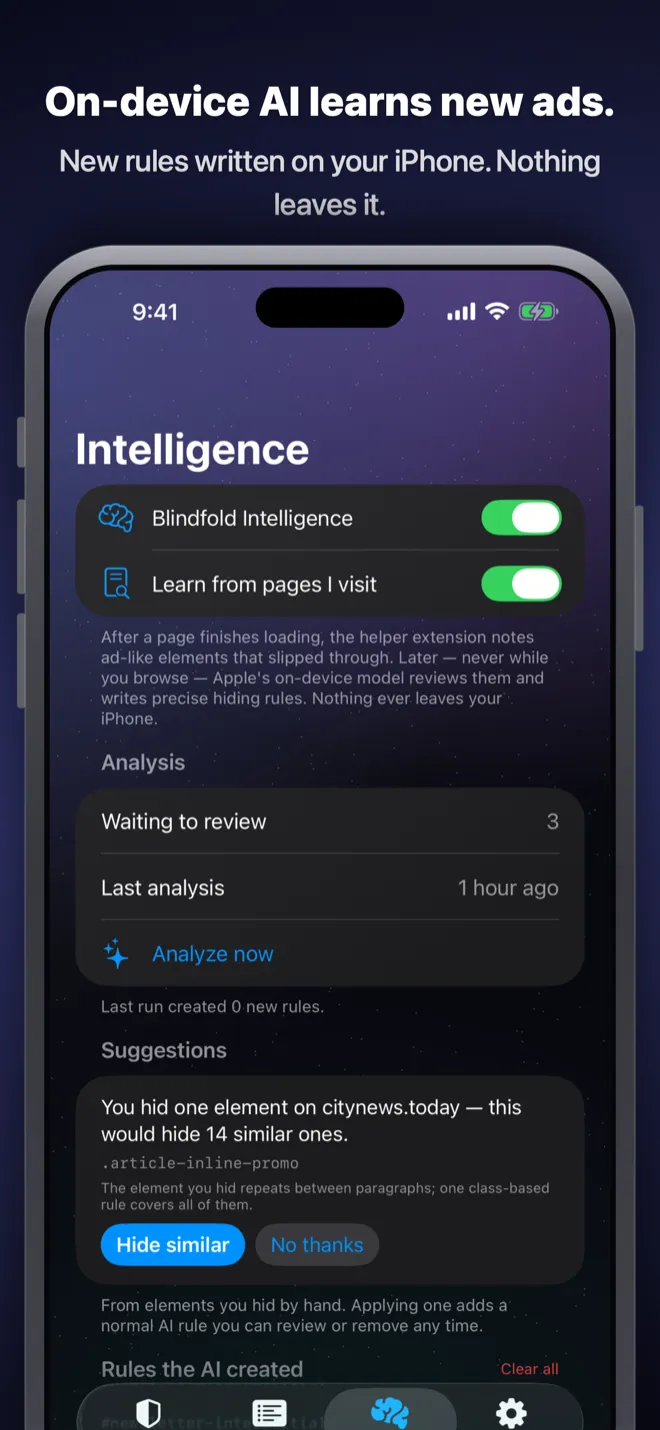
With Apple Intelligence, Blindfold learns the ads that slip through. The helper samples suspicious elements after a page finishes loading, never while you are browsing, and later the on-device model classifies them and a precise hiding rule gets written for that domain.
The model only classifies. The actual CSS selectors are derived deterministically in code and scoped to the site they came from, so the AI can never write an overbroad rule that breaks half the web. Nothing you browse ever leaves your iPhone.
Why I built it
I have paid for a few ad blockers and always ended up in the same place: it works, but I have no idea what it is doing. The lists live on someone’s server. There is no way to see a rule, edit a rule, or find out why a site broke. You are asked to trust a backend you will never see, and for a privacy tool that is a strange bargain.
So Blindfold is the opposite by construction. Everything is on your device and in plain sight, including Blindfold Everywhere, which is the one feature that would have been much easier to build as a VPN routing your traffic through a server I control. I did not want that job, and you should not want me to have it.
Pricing
Try everything free for 1 month. After that it is $7.99 a year, or $19.99 once and it is yours forever. Family Sharing is included with both, and there is no “premium rules” upsell: one purchase, every feature. No account required.
Blindfold is on the App Store. See getblindfold.app or the Blindfold app page for more.
What’s next
More next Tuesday.