This Week: Conjugo and ContactPDF
Every Tuesday I ship something. This week it is two new apps: Conjugo, a Spanish verb conjugator for iPhone and iPad, and ContactPDF, which turns your contacts into clean printable PDFs on iPhone, iPad, and Mac. Two apps that were already live, Pacesmith and Gratuity, also picked up iPad updates.
Here is what is in them.
Conjugo
Conjugo conjugates any of 9,732 Spanish verbs. Every mood and tense: indicative, subjunctive, imperative, and the non-finite forms. Search by the Spanish verb or its English meaning and the full table is one tap away.
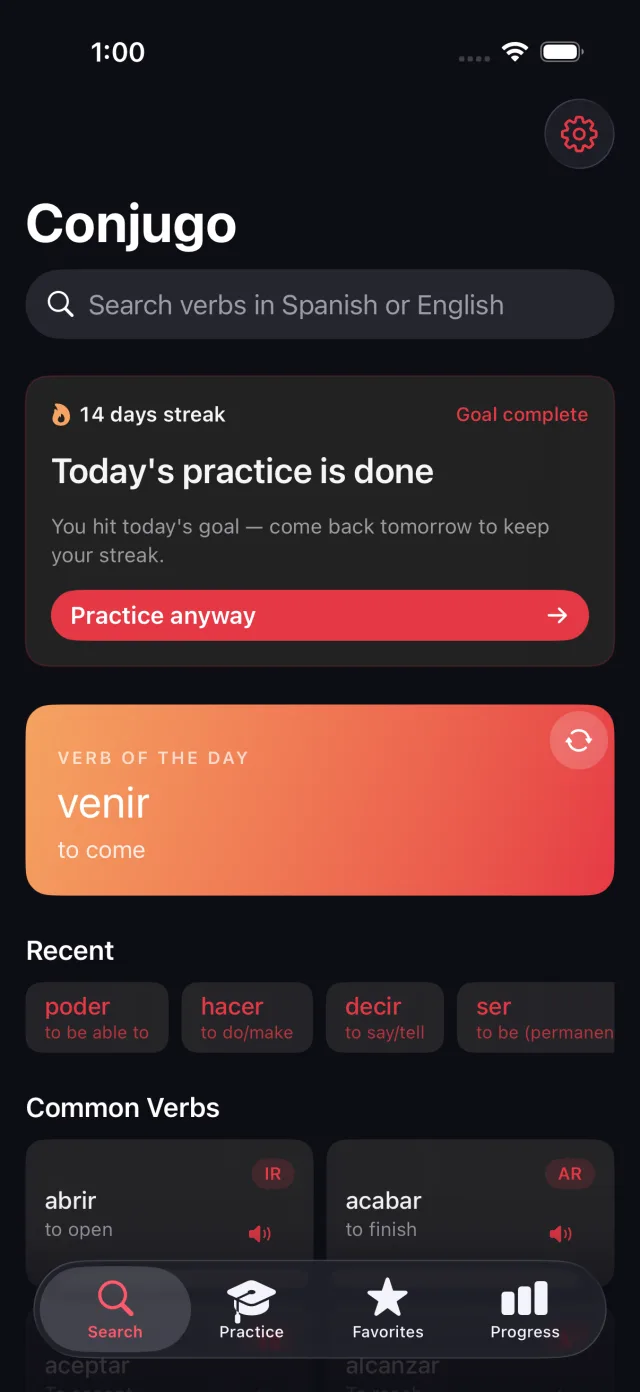
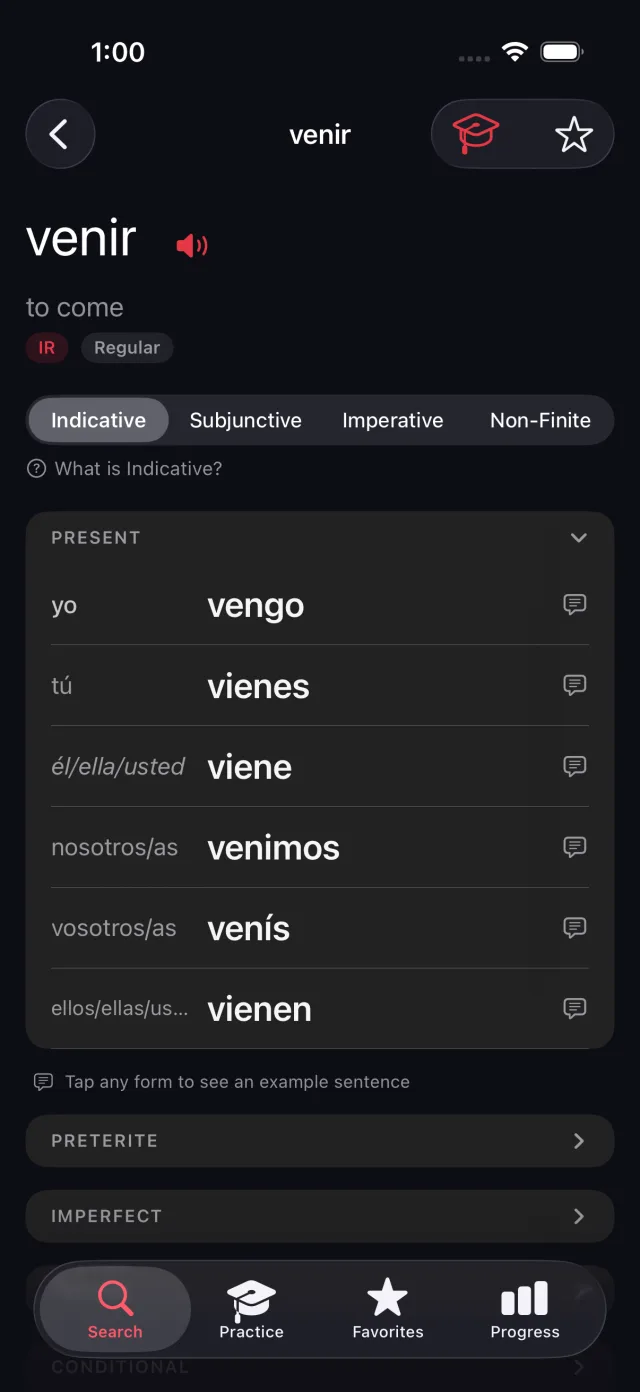
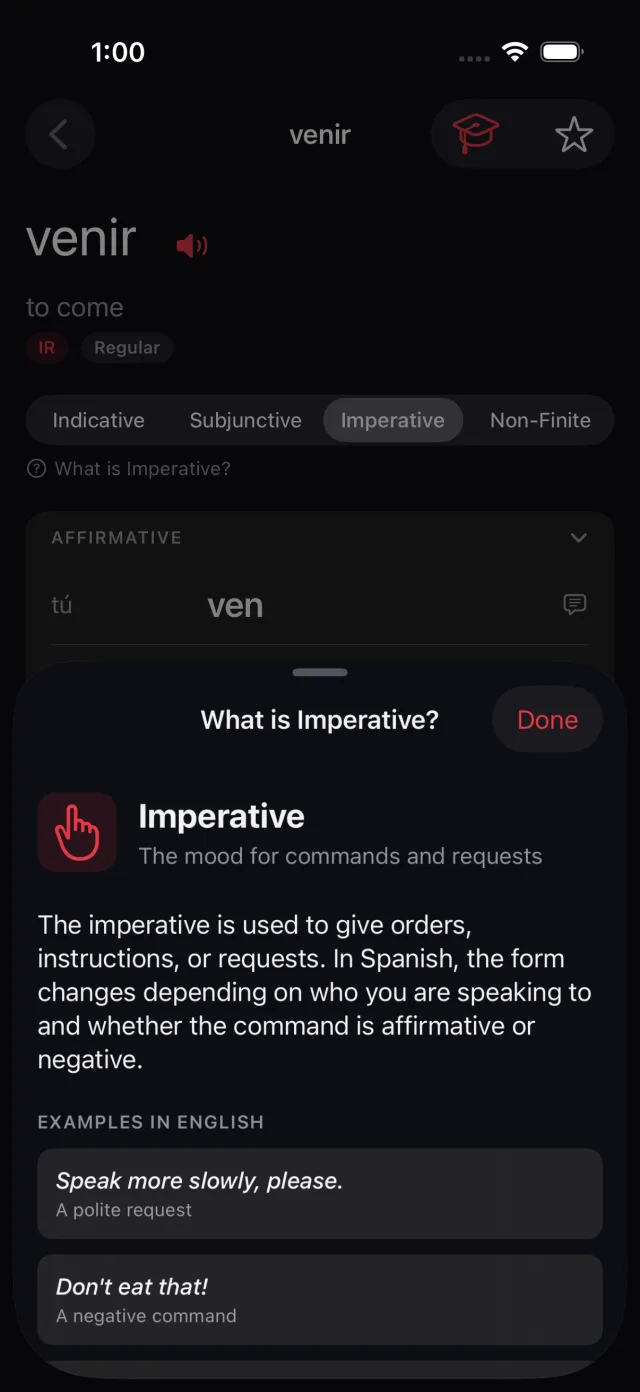
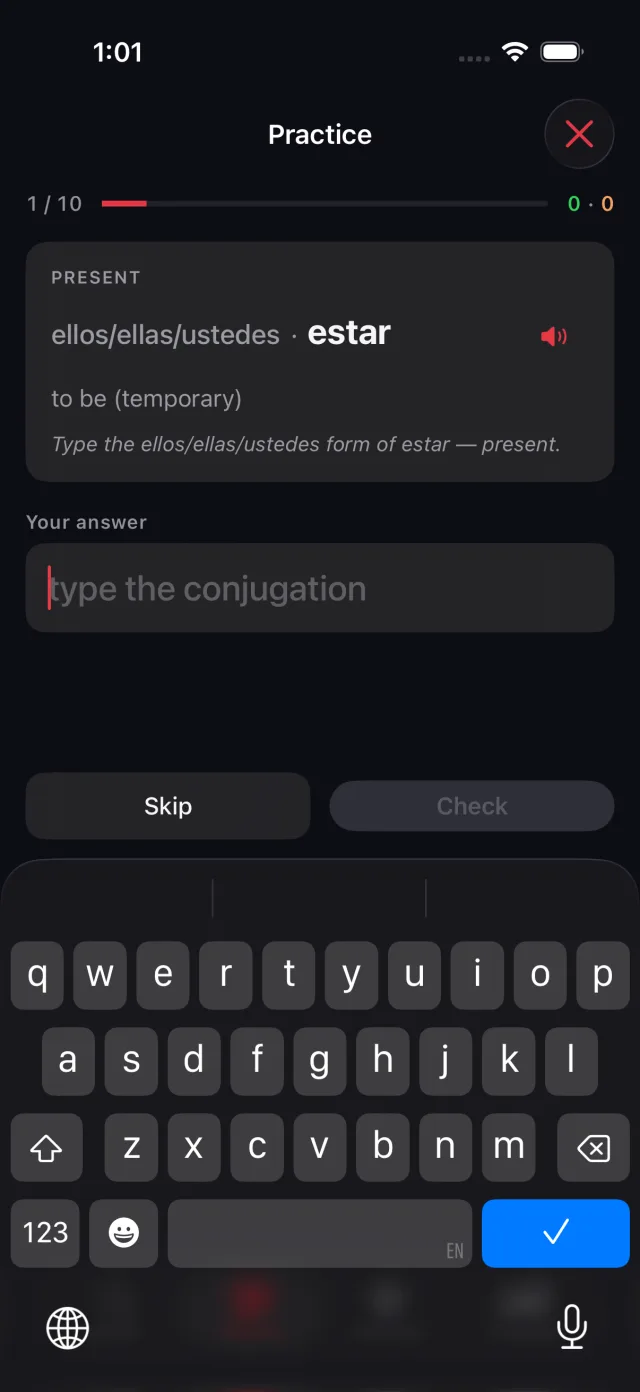
The part I care about most is the practice mode. It drills you on individual forms one at a time, and you type the answer instead of tapping a multiple choice. When you land on a tense you do not recognize, a short plain-English explanation of what it is and when to use it is one tap away. That is the difference between a reference and something you can actually learn from.
Every conjugation comes with an on-device example sentence, so you see the form in context and not just in a table. There is also a verb of the day, a daily streak, favorites, and progress tracking.
Everything runs on your device. No account, no network, no ads, no tracking. Conjugo is a single $7.99 purchase with no subscription. iPhone and iPad, iOS 26 or later.
Conjugo is on the App Store. See conjugoapp.com or the Conjugo app page for more.
ContactPDF
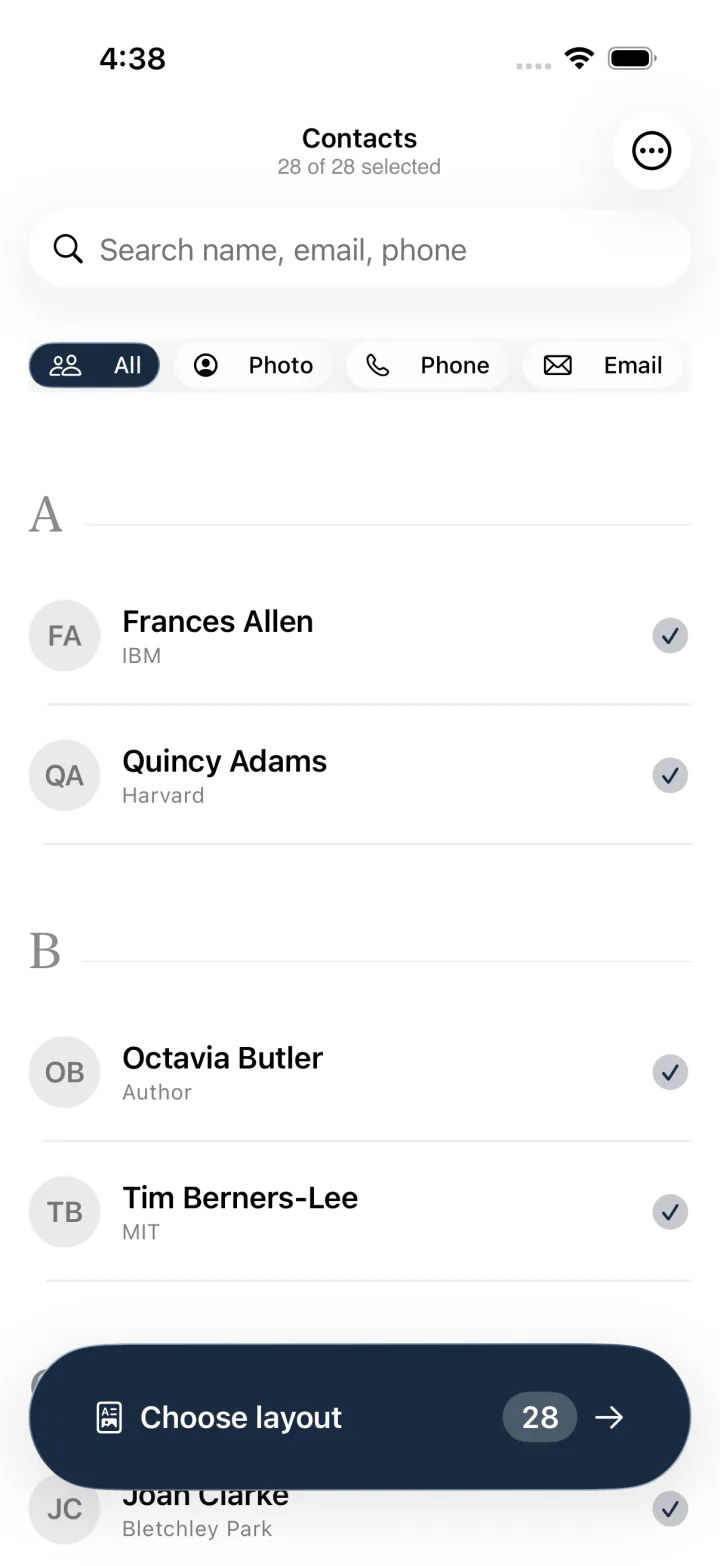
ContactPDF exports your contacts to clean, print-ready PDFs. Pick who to include, choose a layout, and you have a contact sheet in a couple of taps.
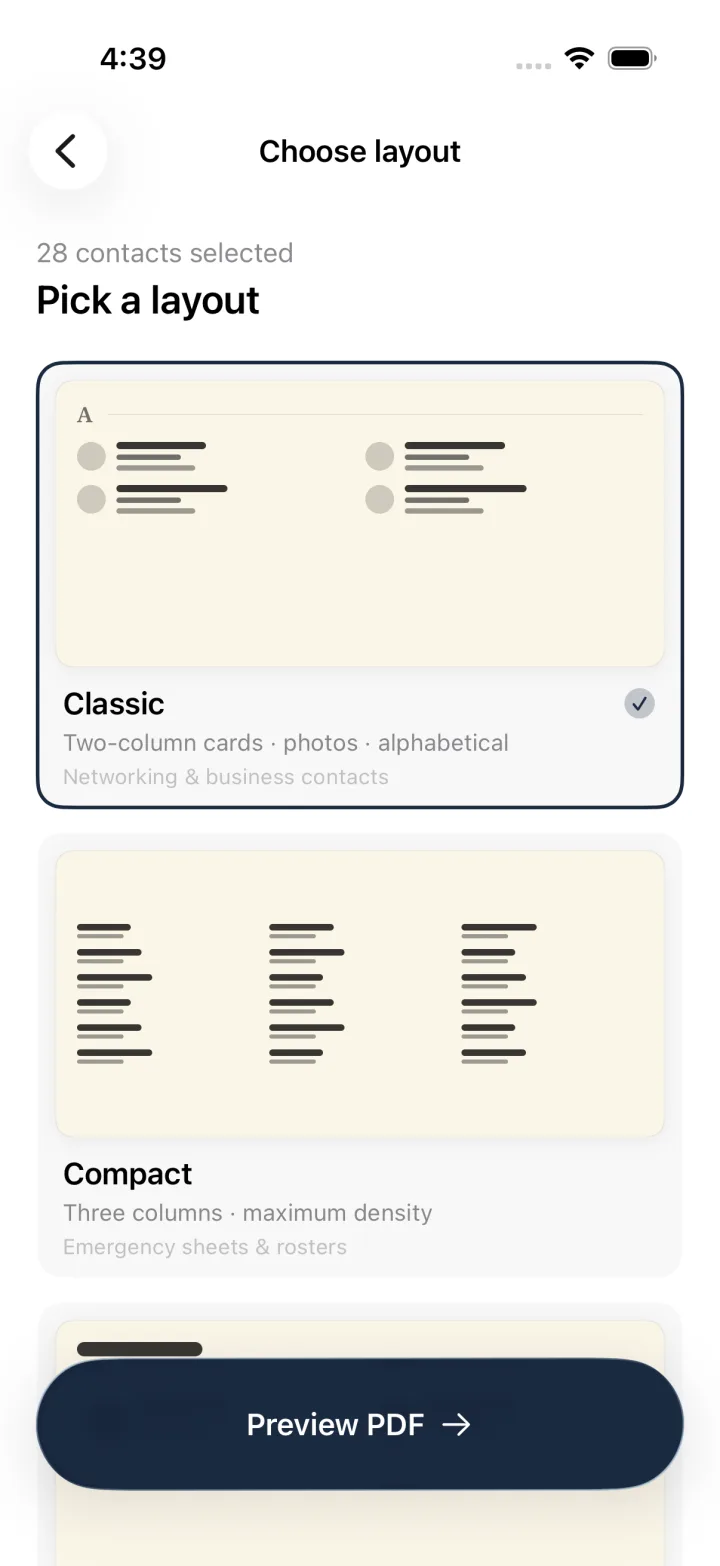
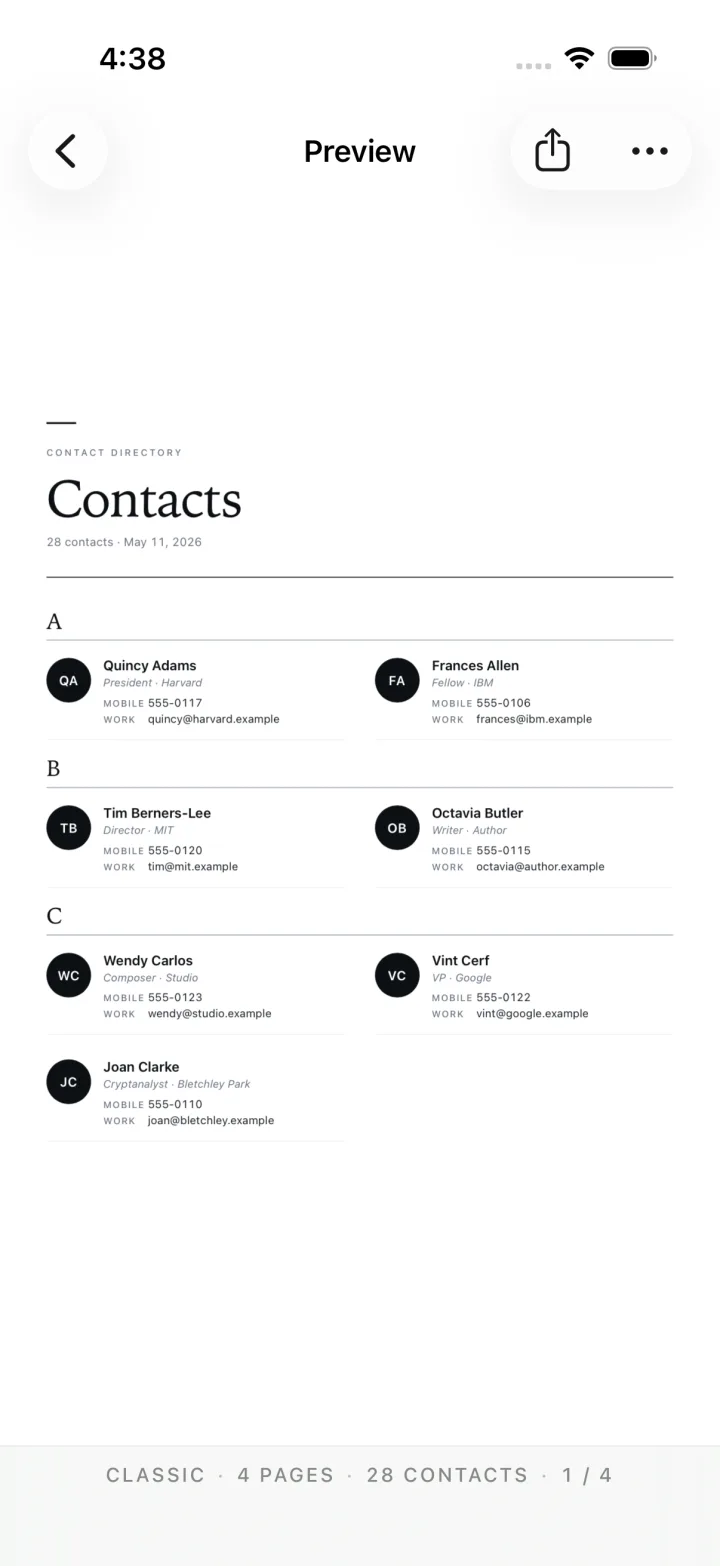
There are three layouts. Classic is two-column cards with photos, sorted alphabetically, good for a networking or business directory. Compact is three columns at maximum density, the one you want for an emergency sheet or a team roster. Directory is a simple, readable list. You can export to US Letter or A4.
Selecting contacts is its own small feature. Filter by who has a photo, a phone number, or an email, search by name, or pick people individually. Then export straight to Files, Mail, AirDrop, or print.
It runs on iPhone, iPad, and Mac, with the same export on all three.
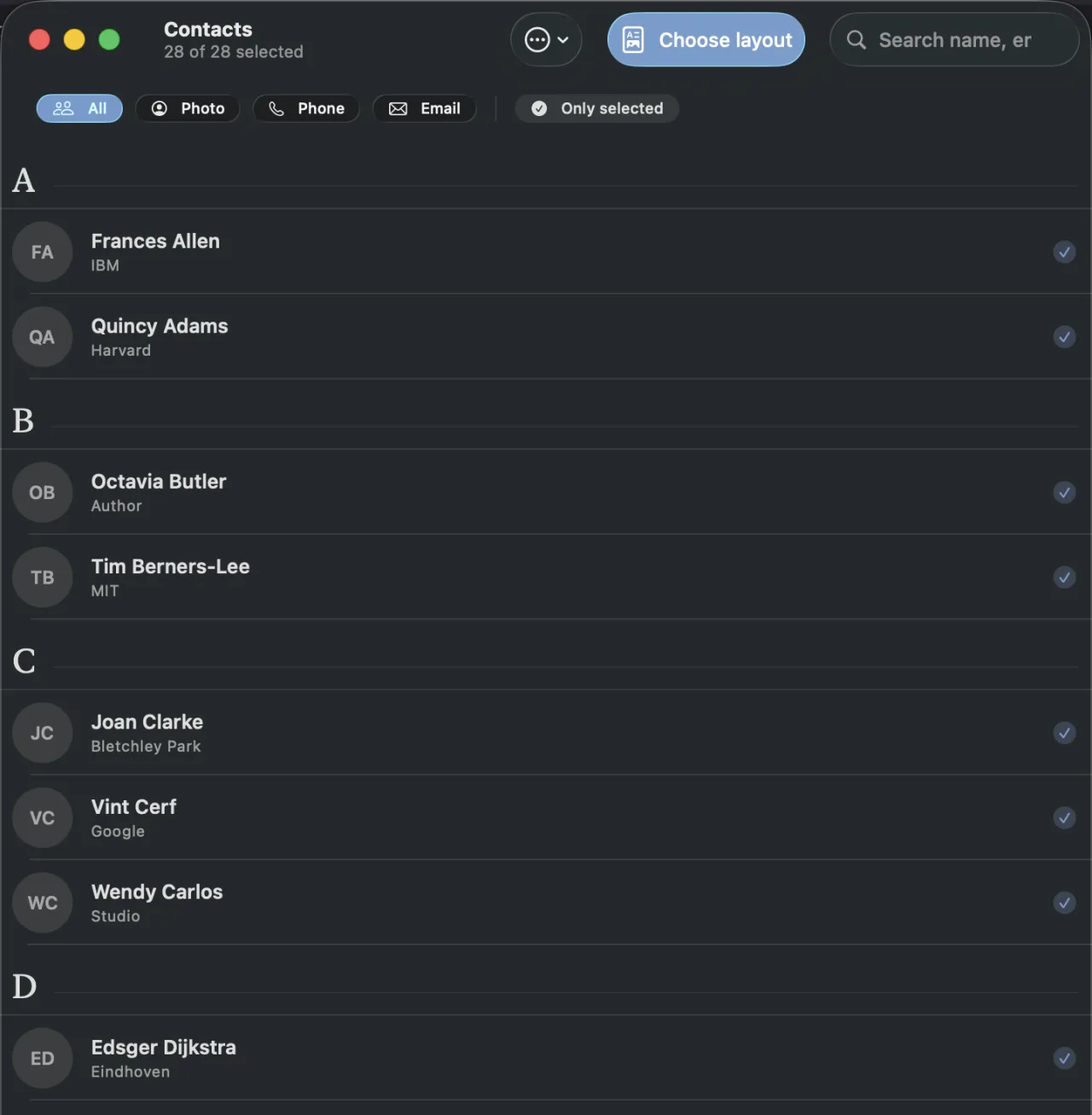
Everything happens on your device. Your contacts never leave it: no servers, no accounts. ContactPDF is free to download and exports up to 25 contacts per PDF. A one-time $9.99 purchase unlocks unlimited exports, with no subscription.
ContactPDF is on the App Store. See contactpdf.com or the ContactPDF app page for more.
Updates this week
Both updates this week are about the iPad.
Pacesmith 1.1.0 adds full iPad support and three new languages: Spanish, Brazilian Portuguese, and European Portuguese. The layout now uses the extra screen space instead of stretching the phone design across it, and the release includes a round of bug fixes. More on the Pacesmith page.
Gratuity 1.1.0 is also an iPad release. Split by Item becomes a two-pane view, History gets a master-detail layout, and the app handles every iPad orientation correctly. Same free tip calculator, now properly at home on a larger screen. See the Gratuity page.
What’s next
More apps, more updates. If you try Conjugo or ContactPDF, tell me what you think. As always, more next Tuesday.