Hexter Is Live
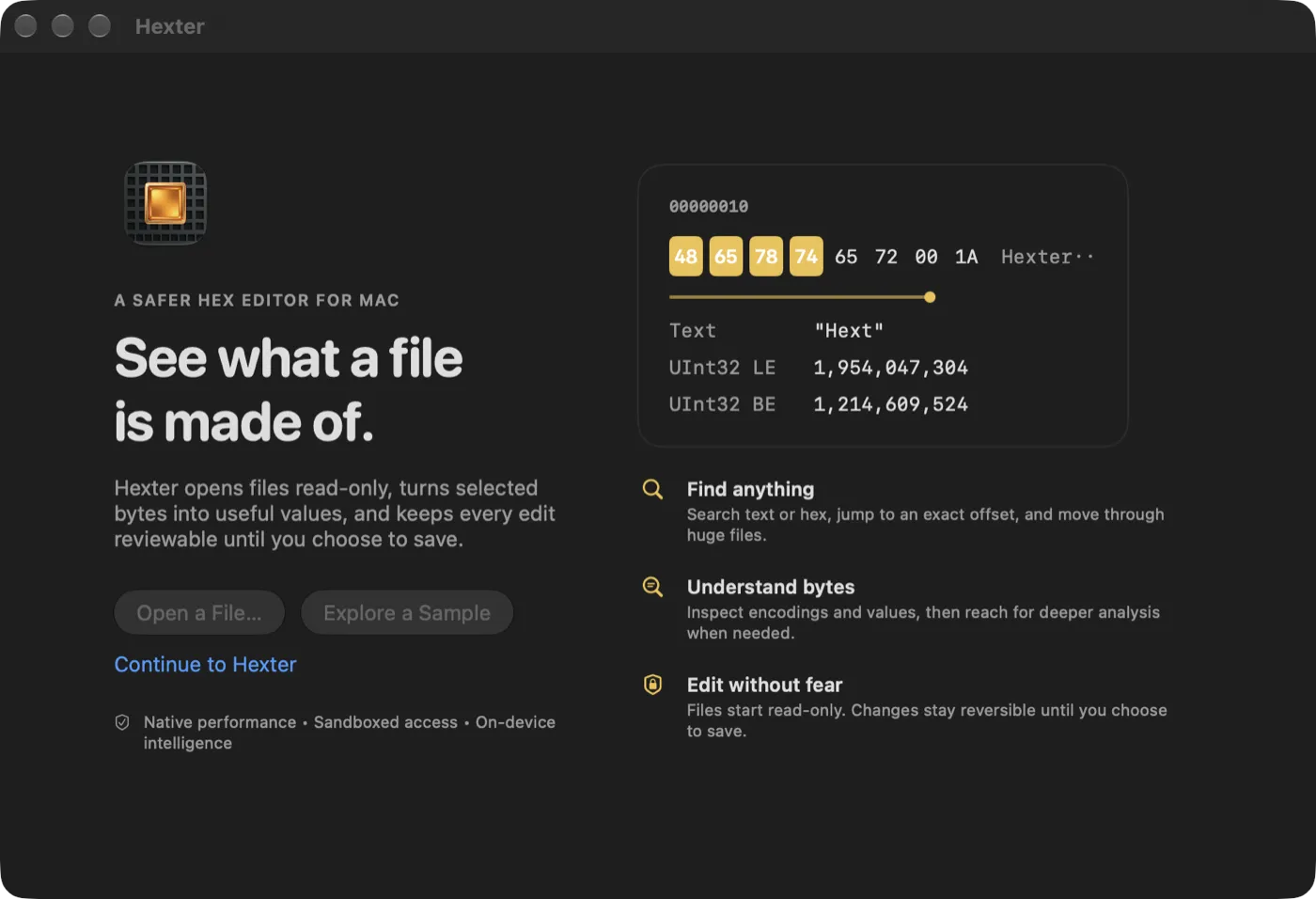
Every Tuesday I ship something. This week it is Hexter, a hex editor for Mac that opens every file read-only. You look first, and you only change bytes when you turn editing on. Even then, nothing touches the original file until you save. It is out now at hexter.app, and viewing is free.
How it works
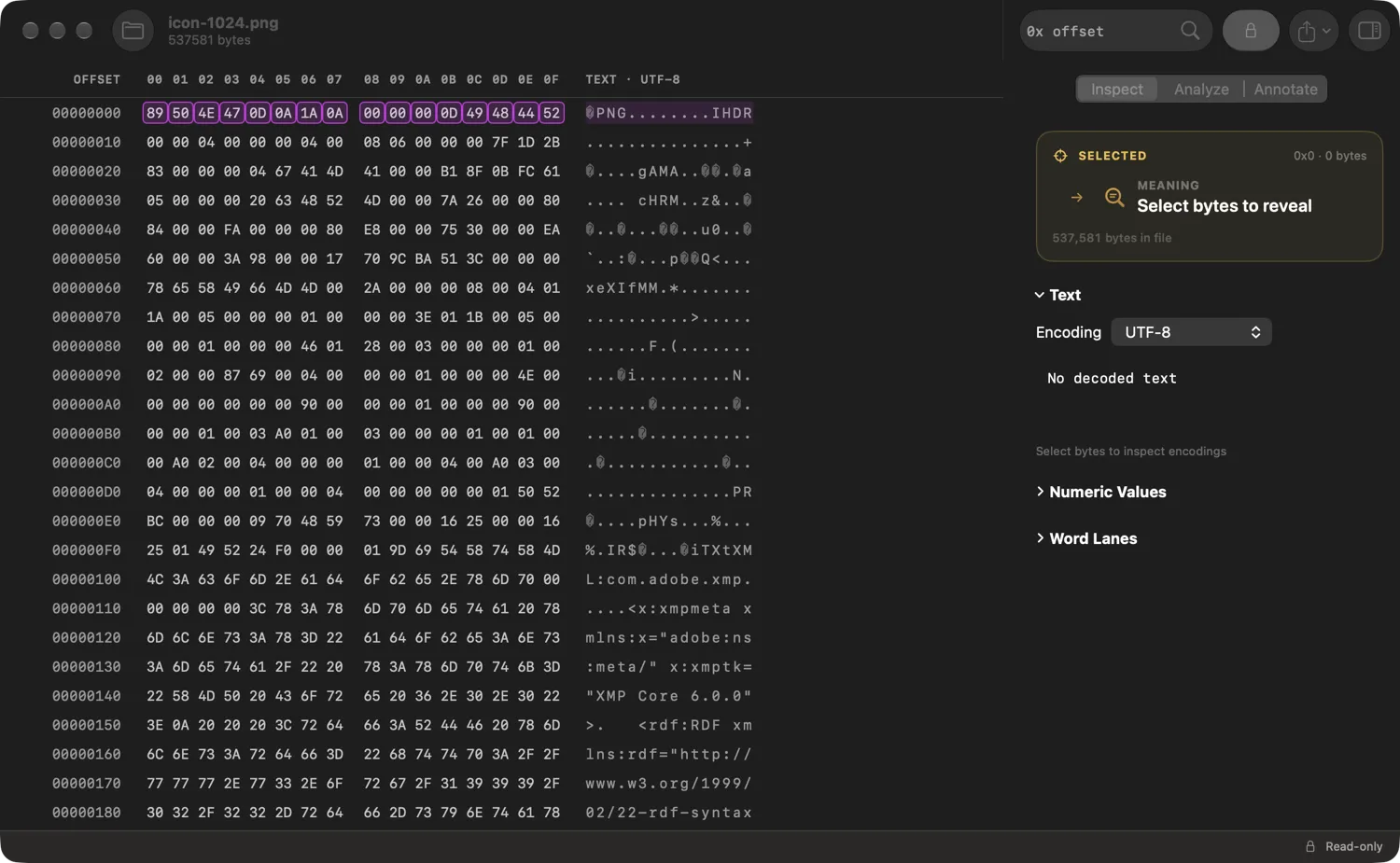
Read-only by default: Every file opens read-only, and there is no setting that changes that. Editing is a toggle you turn on for one tab at a time, with Overwrite and Insert modes.
Edits you can take back: Typing, inserting, deleting, filling and pasting all go into a patch layer on top of the file. You can undo, redo, or revert one patch at a time. Overwriting the original asks first and can save a backup copy. Save a Copy and every export go through a normal save panel.
Fast on huge files: Hexter reads bytes only when it needs them, so a large file scrolls all the way through and jumps, searches and bookmarks land on the exact byte. Hashing, string extraction and diffing run in the background and can be cancelled.
Understands common formats: Open a PNG, ZIP, Mach-O, WAV or SQLite file and Hexter lays out its structure next to the raw bytes, such as PNG chunks with their type and CRC. You can import your own structures as JSON.
An inspector that does the math: Select bytes and see them as text in the encoding you pick, as signed and unsigned numbers in both byte orders, and as word lanes. The Analyze tab computes CRC32, MD5, SHA-256 and more, extracts strings, and flags odd regions. The Annotate tab keeps bookmarks with notes, compares two files, and lists your patches.
Apple Intelligence, on your Mac: When your Mac supports it, Hexter can explain a selected range of bytes and turn a plain request like “find the file size field” into a search. It runs on your Mac, every answer points to real byte ranges, and it can never change your file.
Why I built it
Most of the time I open a hex editor, I am not editing anything. I am checking what a file really is: a header, a magic number, a length field that looks wrong. Hex editors are built for editing first, so one stray keystroke can change a file I only meant to look at. I wanted a Mac hex editor that is careful by default, explains what it is showing, and feels like a current Mac app. If you already use Hex Fiend, I wrote an honest comparison of Hexter and Hex Fiend, including where Hex Fiend is still the better pick.
Privacy
Your files stay on your Mac. Hexter checks hexter.app once a day for updates without sending anything about your Mac, and it contacts the license server only when you activate or re-check a Pro license. Apple Intelligence analysis runs on your Mac.
Pricing
Opening, viewing, searching, inspecting, analyzing, bookmarking and diffing are free, with no limit. The free version also includes 10 saves or exports. Hexter Pro removes that limit for $19.99, paid once, on up to three Macs. No subscription.
Hexter needs macOS 26 or later and runs on Apple silicon and Intel Macs.
Download Hexter free at hexter.app, or visit the Hexter app page.