Just SFTP Is Live
Every Tuesday I ship something. This week it is Just SFTP, and it shipped twice: direct from its own site on the 18th, and on the Mac App Store on the 28th.
Just SFTP moves files over SFTP. That is the entire product. No FTP, no S3, no WebDAV, no cloud sync, no dozen protocols you will never touch.
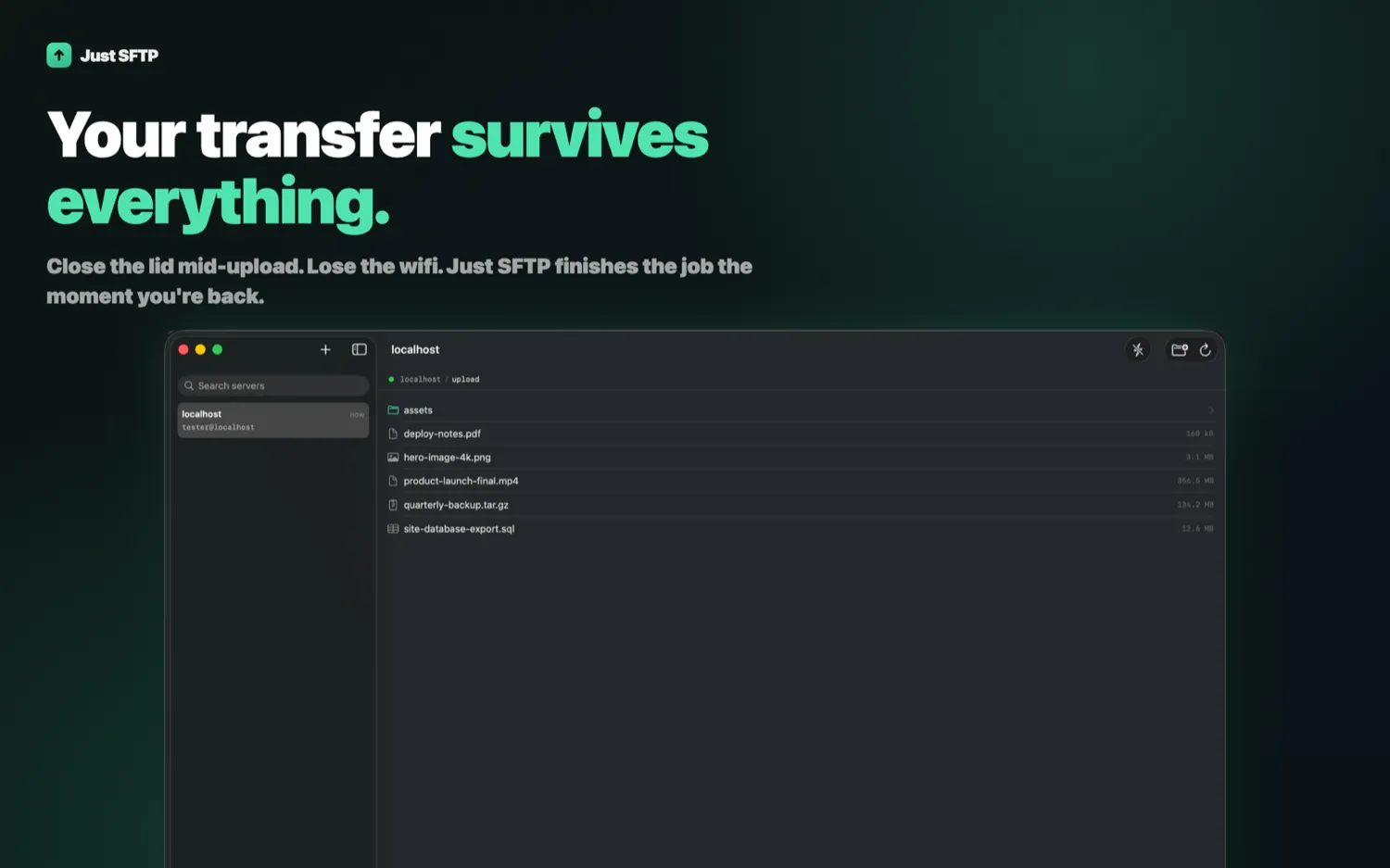
Three things it does that most clients do badly
Transfers survive the lid closing. Shut the laptop mid-upload, lose the wifi, walk out of range: the transfer picks up where it left off when you are back, instead of starting the 356 MB file again from zero.
A file is not done until every byte arrived. Verification runs before anything is marked complete. A corrupted transfer that reports success is worse than one that reports failure, because you find out about it much later and somewhere else.
Host keys are pinned on first use. Trust on first use, then pinned. Not a dialog you dismiss every time until you stop reading it.
Beyond that: password or SSH key authentication, transfers pipelined so large files actually move fast without the interface locking up, and a menu bar indicator so you can see progress without switching to the window.
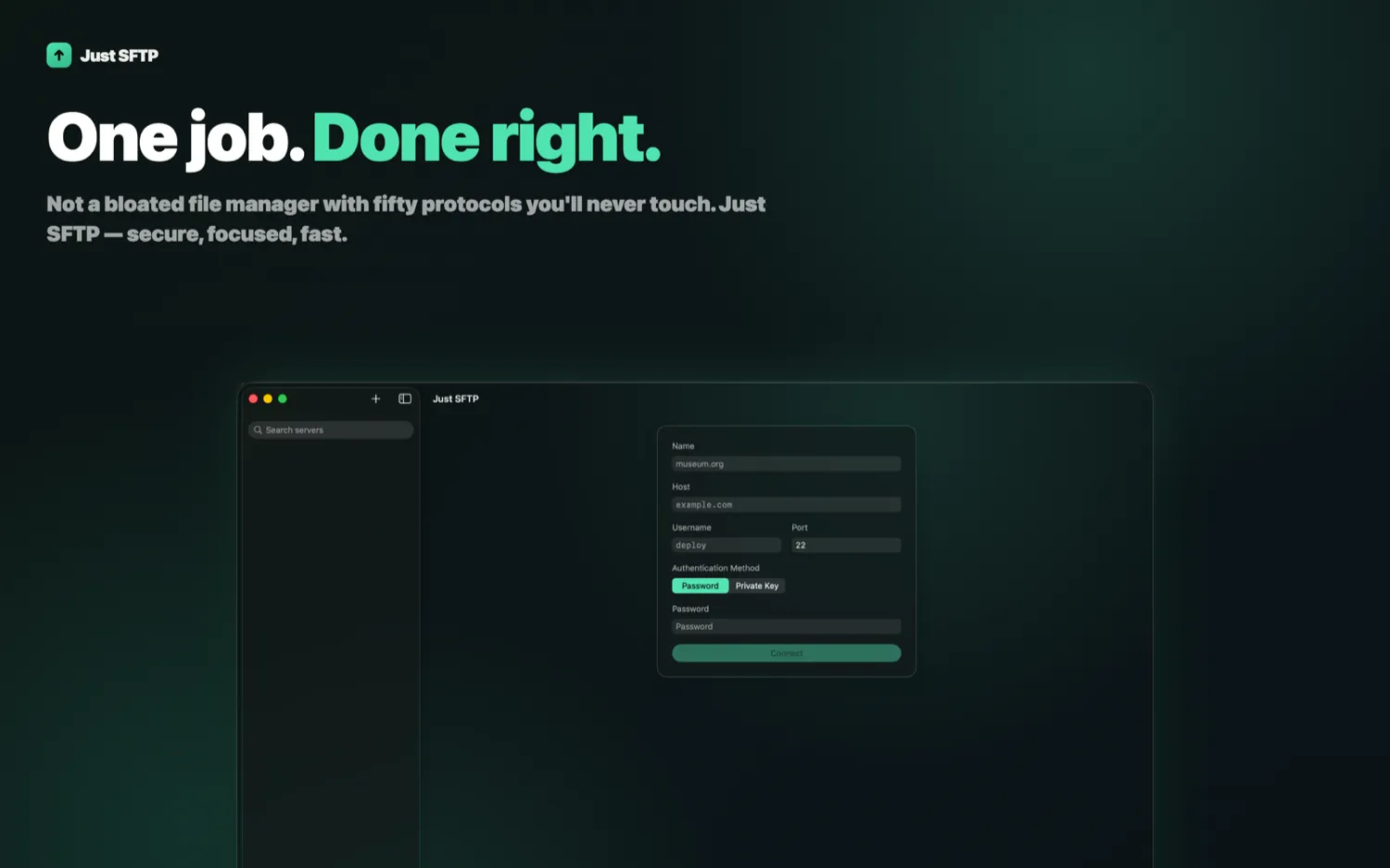
Why I built it
I connect to servers constantly, and every Mac client I tried wanted to be a platform. Cloud storage tabs I do not use, sync engines I did not ask for, protocol dropdowns where SFTP is one line down a list of twelve. All of that is surface area, and on a file transfer client surface area is exactly where the bugs that lose your data live.
The version I wanted was one protocol implemented carefully. So that is what this is. If your workflow is SFTP, the app disappears into the background. If your workflow needs S3, this is honestly not the app, and I would rather say that here than have you find out after paying.
Two ways to buy it, one price
Direct from justsftp.app it is $12.99, one time, with free updates through Sparkle.
On the Mac App Store the app is a free download and the same $12.99 unlocks it as a one-time in-app purchase. Same app, same price, whichever side of the fence you prefer to buy on. No subscription, no account, no tracking either way.
It needs macOS 26 or later.
There is an app page for it here.
What’s next
More next Tuesday.