Message Album Is Live
Every Tuesday I ship something. Last week I wrote a post about not shipping anything, and said Message Album would be out by today. It is out, and it went out on Sunday.
Message Album exports a single Messages conversation from your Mac into a folder you own. Not a backup. A backup restores a device. It does not hand you the conversation.
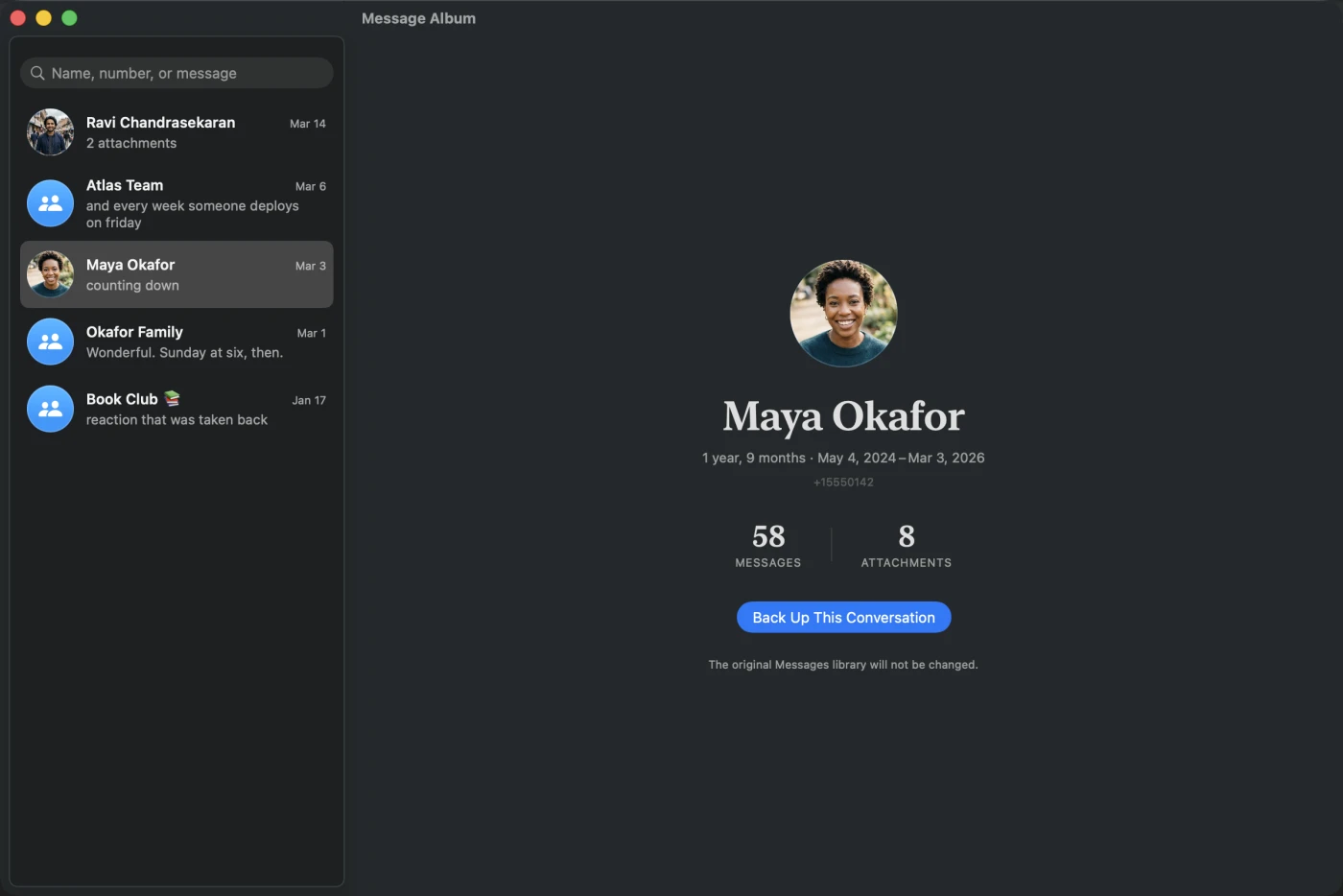
What you actually get
One timestamped folder with an index.html inside it. Open that in any browser and the whole thread is there: both sides of the conversation, in order, searchable, with the photos and videos and voice notes inline at original quality.
The reader inside that folder uses no framework, no CDN, no external font and no web server. Anything it depended on would be one more thing that can disappear before you next open it.
Alongside the website you get transcript.json for archival data, transcript.md for a plain chronological read, an optional transcript.csv for analysis, and manifest.json: source and output counts, warnings, file sizes, and a SHA-256 checksum for every file. That last one is the part I care about most. In ten years you can still prove the copy in your hands is the one that came out.
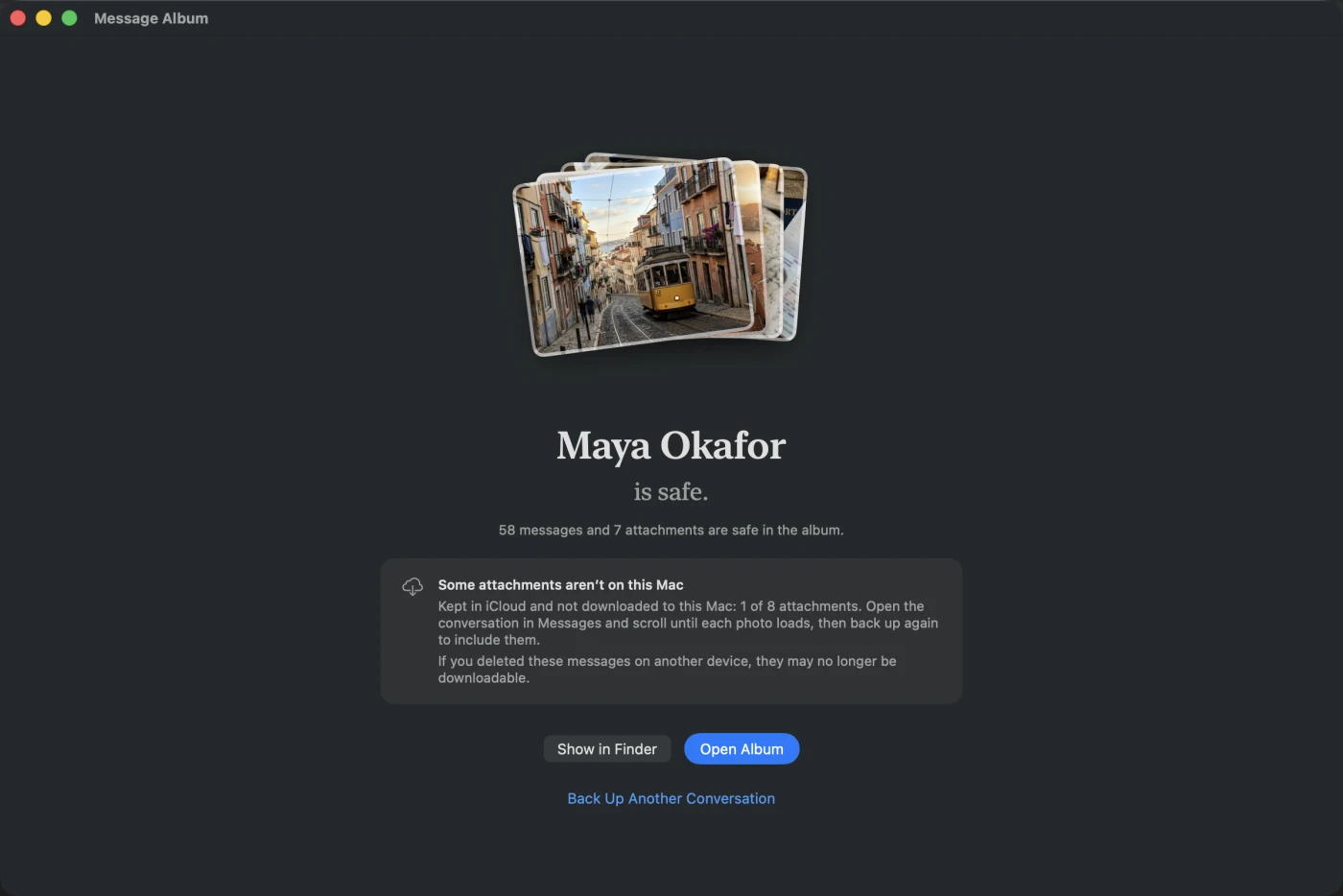
It tells you what it could not get
This is the honest bit, and it is the reason the app exists in the shape it does.
Message Album copies what is stored on your Mac. If Messages in iCloud has left older photos and videos up in iCloud instead of pulling them down, they are not here to copy, and no third-party app can sign in to an iCloud account to fetch them. Apple’s account authentication is closed to software outside its own.
So instead of quietly exporting a thread with holes in it, the app counts what is missing and says so on screen, before you have paid anything. Every gap is named in the album and recorded in manifest.json. The fix is boring and it works: open the conversation in Messages, scroll back until the photos load, then export again.
Where it reads from
Two places. The Messages library already on this Mac, opened through SQLite’s read-only and query-only modes so an export physically cannot write to it. Or a Finder backup of an iPhone or iPad already stored on this Mac, encrypted or not, listed by device name and backup date. Encrypted backups are unlocked in memory only, and only the Messages database and the attachments of the thread you are exporting get decrypted.
What it cannot do is read a plugged-in phone. iOS does not let a Mac read the Messages database over the cable, so no app can do that, whatever it claims.
Privacy
No accounts, no sign-in, no analytics, no telemetry, no crash reporting. Writing an album makes no network request at all. The app makes exactly two kinds of network request ever: checking a licence key when you activate or deactivate one, and asking the site whether an update exists. Neither one carries your messages.
It does need Full Disk Access, because macOS protects the Messages library. You grant it in System Settings and you can revoke it whenever you like. That requirement is also why this is sold directly rather than through the Mac App Store: the App Store sandbox does not permit it.
Pricing
$29, one time, no subscription.
The free version is the same binary and it is not a crippled demo. It exports the last seven days of any conversation in exactly the format you would get after paying, complete with photos, videos and voice notes. Those seven days are counted from the conversation’s newest message, not from today, so a thread from 2019 still gives you its final week. Albums you make for free stay readable forever, licence or no licence.
Requires macOS 15.7 or later, Apple silicon or Intel.
Message Album is at messagealbum.com, where there is a live sample album you can poke at before installing anything, and there is an app page for it here.
What’s next
More next Tuesday.