RingMix Is Live
Every Tuesday I ship something. This week it is RingMix, a ringtone maker for iPhone that ships under Serious Business Software LLC.
RingMix
Ringtone apps are not a new category. You import a song, trim it, export it. Every app does that. The problem is they all export the full mix. Music is layered, and what makes a song feel right as a ringtone is usually one element: the bass line, the guitar hook, the chorus vocals with no drums. There is no way to get there without stem separation software most people have never touched.
RingMix closes that gap. Import any song you own, and the app separates it on-device into six stems: Vocals, Drums, Bass, Guitar, Piano, and Other. You adjust the volume of each one individually, or mute any of them entirely. Then you trim it to the moment you want, add fades, and export.
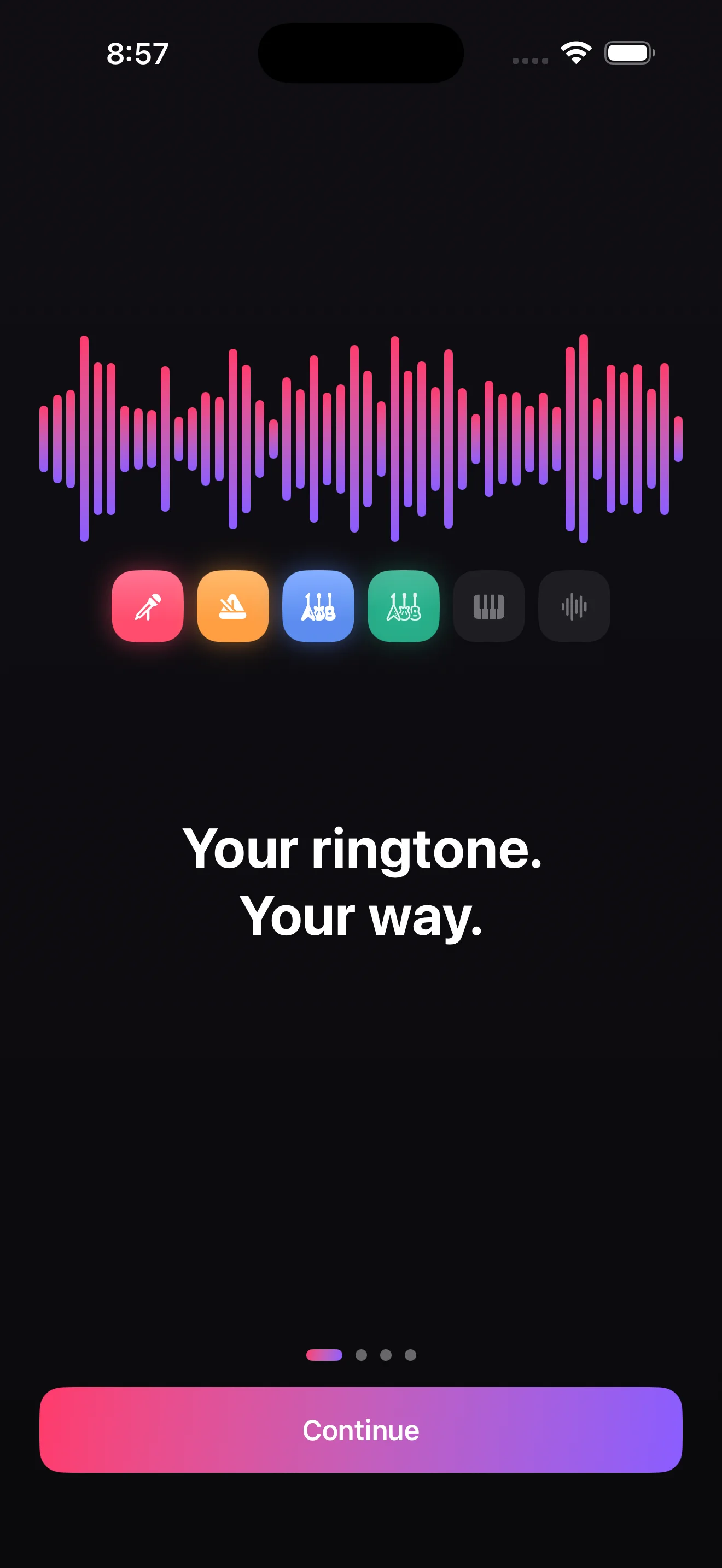
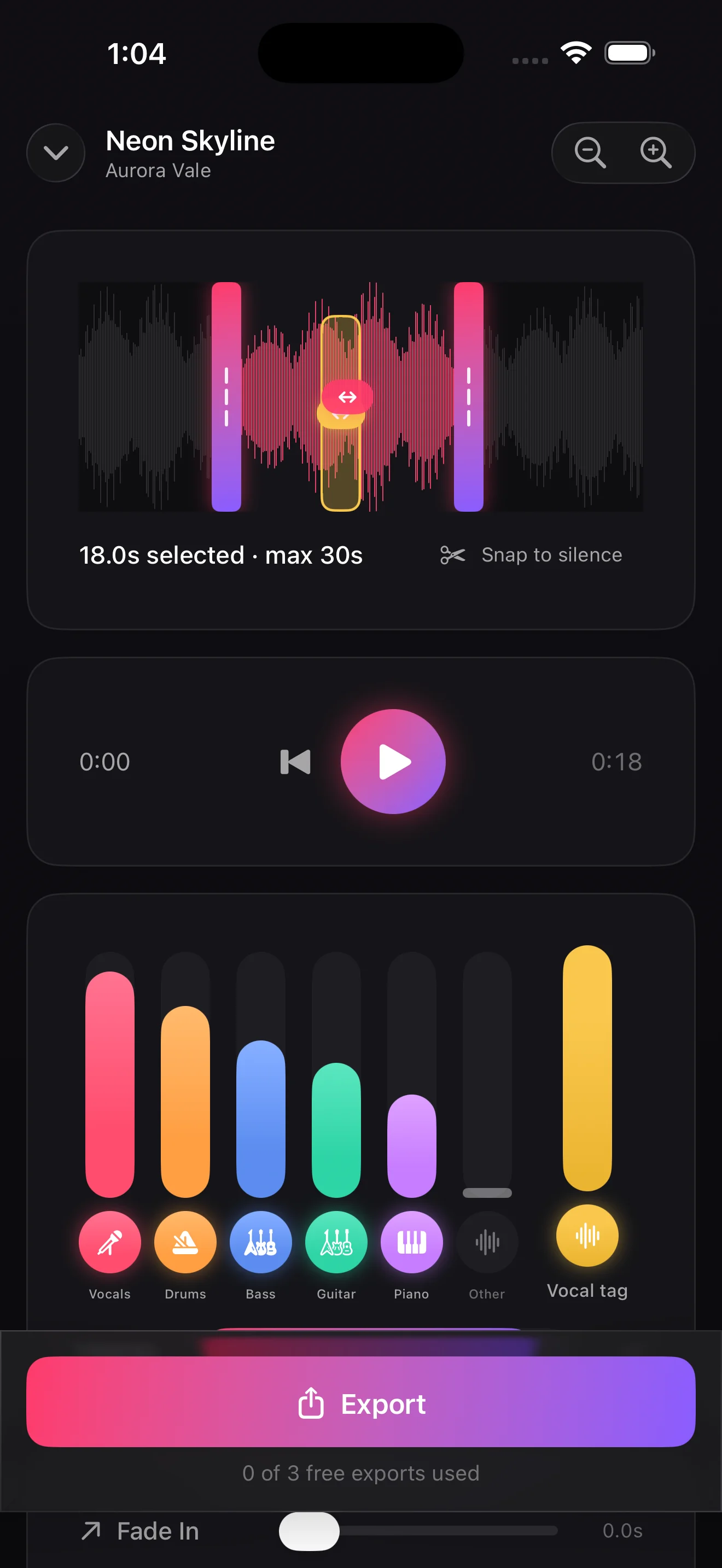
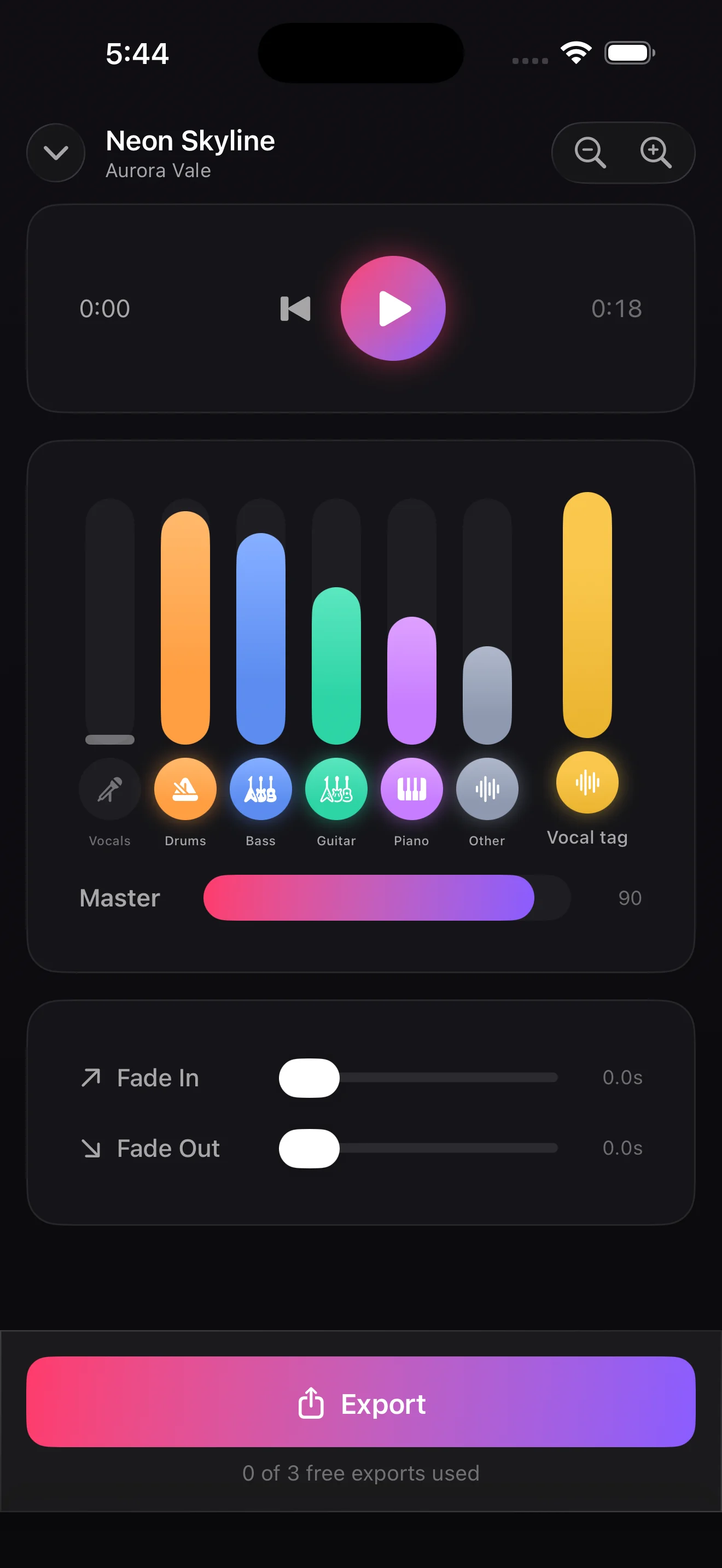
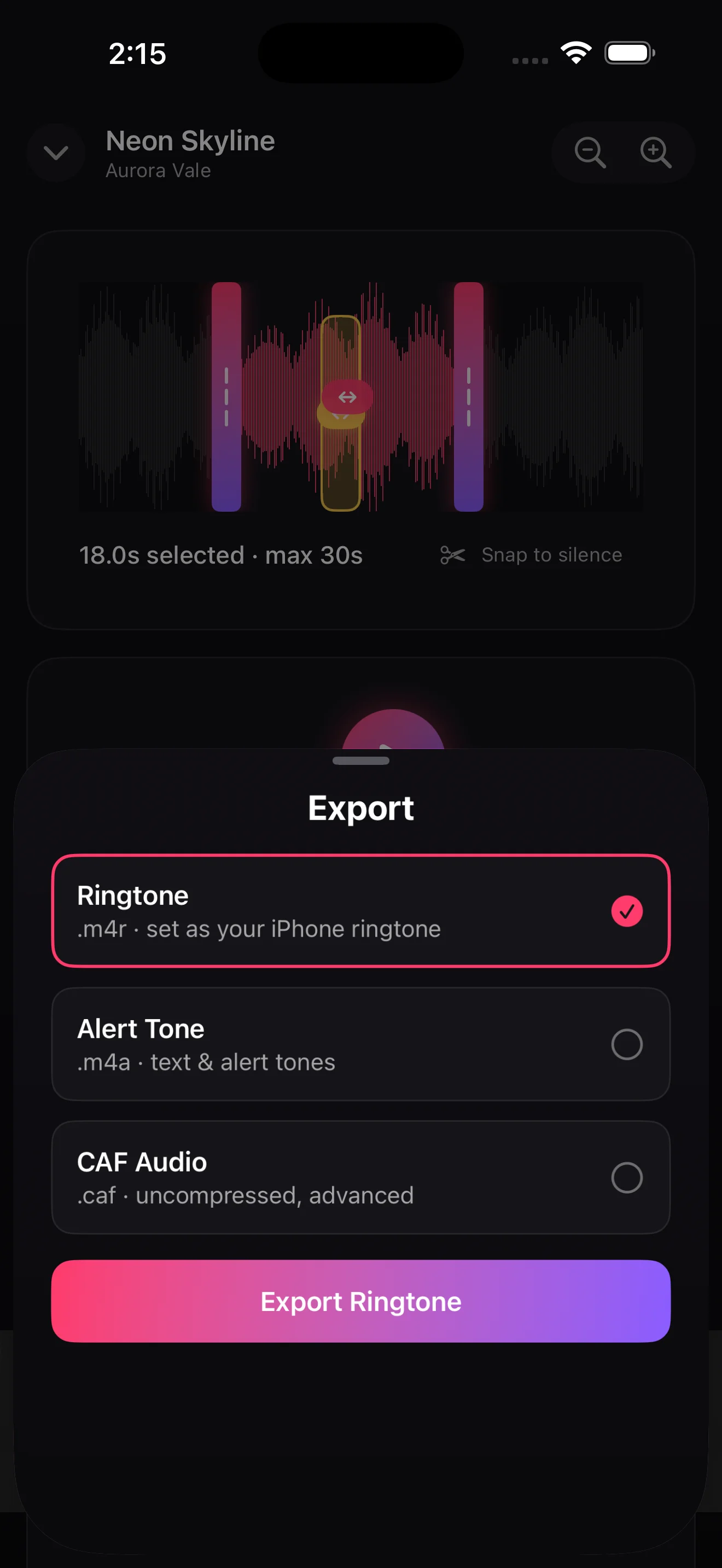
The export step is where iOS 26 makes a real difference. Every ringtone app before this required a Mac and Finder to get the file onto your phone. iOS 26 adds a direct ringtone assignment action to the share sheet, so you tap Export, choose Ringtone, and it is set. No cable, no Mac, no workaround.
Stem separation runs entirely on your device. No account, no upload, nothing sent anywhere. The stems are cached per track so you only wait once per song.
RingMix is free to download with 3 free exports, which is enough to see the full workflow. A 7-day free trial unlocks everything. After that it is $9.99/year or $24.99 for lifetime access.
RingMix is on the App Store. See seriousbusiness.dev or the RingMix app page for more.
What’s next
More next Tuesday.