Scrubb Is Live
Every Tuesday I ship something. Last week I had to post that Scrubb was not live yet. This week I get to post the follow-up: it cleared review, and it is on the App Store for Mac, iPhone and iPad.
The Mac rejection was the missing File ▸ New Window, which meant closing Scrubb’s window left you with no way to get it back. That fix went in with the resubmission, and both platforms are now approved.
The short version
Scrubb opens a photo or video and shows you everything hiding inside it: GPS coordinates on a map, the camera and lens, the serial number, timestamps, author and copyright fields, editing software, embedded previews. Each field comes with a plain-language note about what it actually gives away. Then it removes what you choose, from everything down to single fields.
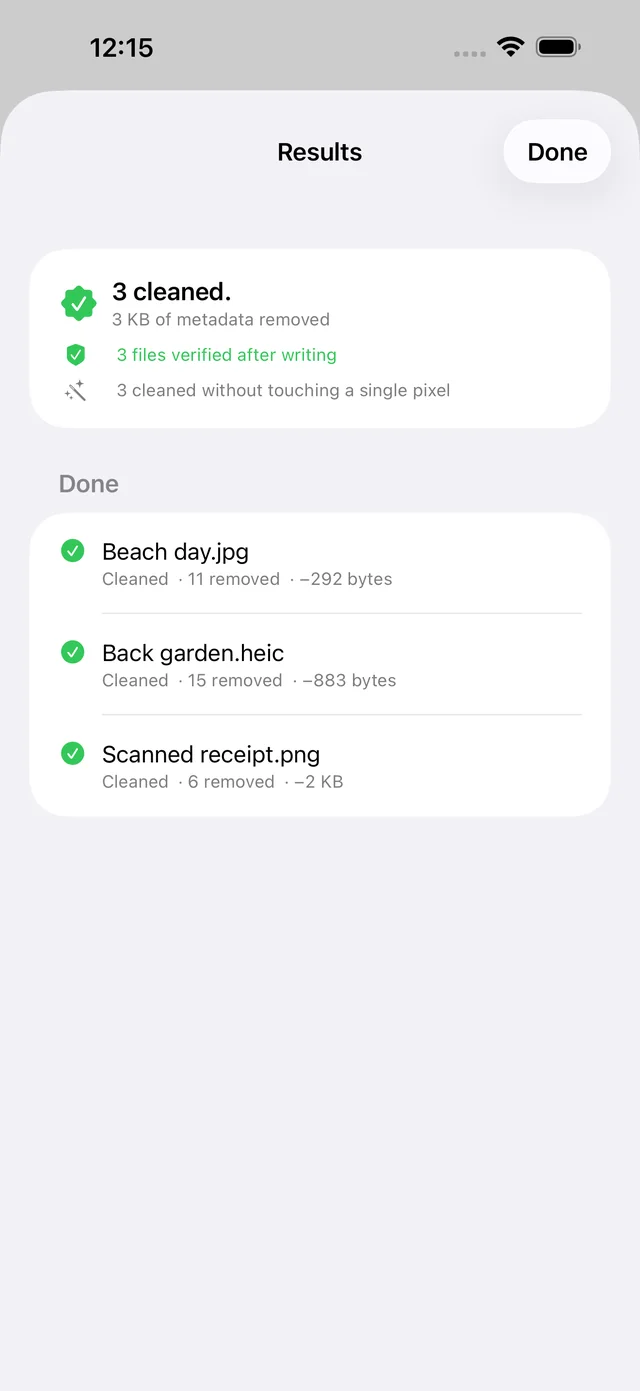
Why it is different
It does not re-compress your photo: Most metadata removers decode the image, strip the tags, and save a new, softer JPEG. Scrubb rewrites the container around the picture and copies the compressed image data across untouched, so the cleaned file keeps its original format and quality.
It checks its own work: Every file Scrubb writes is re-read before you see it. It has to decode, match the original’s dimensions, hash to the same pixels, and contain none of the fields you asked to remove. A file that fails any of those checks is deleted instead of handed to you.
It has nowhere to send your files: No server, no account, no analytics. The only network request is turning a coordinate into a place name for the map, and that request carries the coordinate and nothing else.
It will not risk your RAW files: Camera RAW layouts are proprietary and a bad edit ruins a negative you cannot reshoot, so Scrubb inspects RAW files and exports a cleaned JPEG or HEIC instead of rewriting the original.
Pricing
The inspector is free forever. The first five exports are free and full strength, with nothing held back to nudge you toward paying. After that, $7.99 once unlocks unlimited exports on Mac, iPhone and iPad. Not a subscription.
It handles JPEG, PNG, HEIC, WebP, GIF and QuickTime video, and it is a Serious Business Software app.
Scrubb on the App Store, the Scrubb app page, or scrubb.app.