TodoBar Is Live
Every Tuesday I ship something. This week it is TodoBar, a menu bar to-do tracker for macOS.
The app lives entirely in a popover in your menu bar. No Dock icon. No window to close. You click the icon, your list appears, you click away and it disappears.
What is in the app
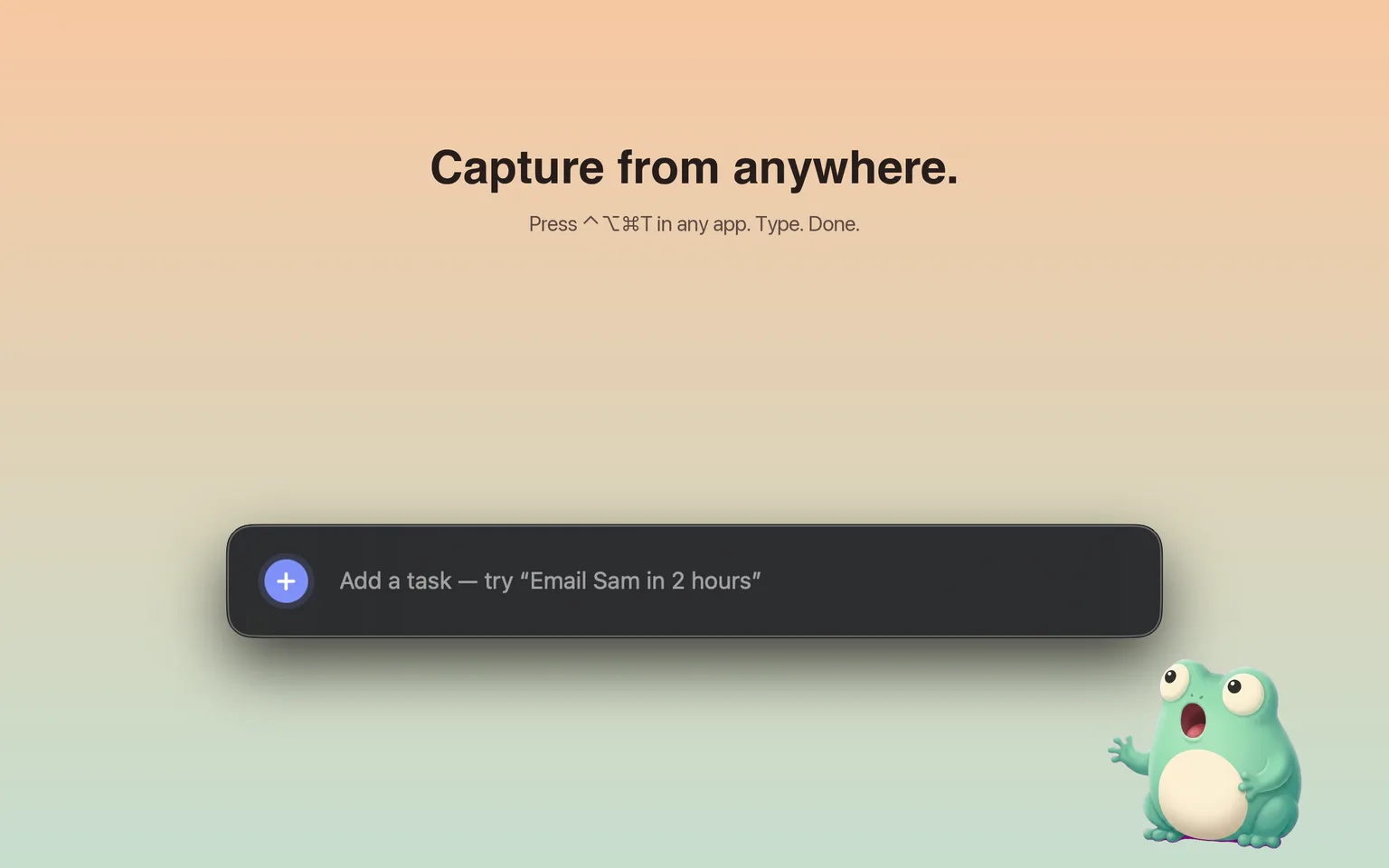
The thing that separates TodoBar from a sticky note is the global hotkey. Press Control-Option-Command-T from any app and a small capture panel floats up in the center of your screen. You type a task in plain English. The app reads the date from your sentence: “Email Sam tomorrow at 9am” creates a task due tomorrow at 9am, “Renew passport by Friday” sets a Friday deadline. Press Return and the panel disappears. You never left whatever you were working on.
The rest of the feature list:
- Natural-language due dates parsed from plain sentences
- iCloud sync so the same list shows up on all your Macs
- Local notifications when something is due
- Stats and a small frog mascot named Tad who tracks your completions and hands out achievements
- Markdown and JSON export so your tasks are never locked in a proprietary format
Why I built it
I tried everything over the last several years. Things 3 is beautifully made but it wants to be a window you sit in and consider, not something you glance at. Reminders has always felt like an iOS app squeezed onto a Mac. I wanted something that lived where I already look dozens of times a day and got out of the way the moment I stopped looking at it.
Pricing
The free tier supports up to 10 active tasks, which is enough for most personal use. It includes every feature: the global hotkey, natural-language dates, iCloud sync, stats, and export. A one-time $9.99 purchase removes the task cap. No subscription. No TodoBar account. Just iCloud.
The app is pending approval on the Mac App Store. You can buy and download it directly from todobar.app right now.
Visit the TodoBar app page for more.